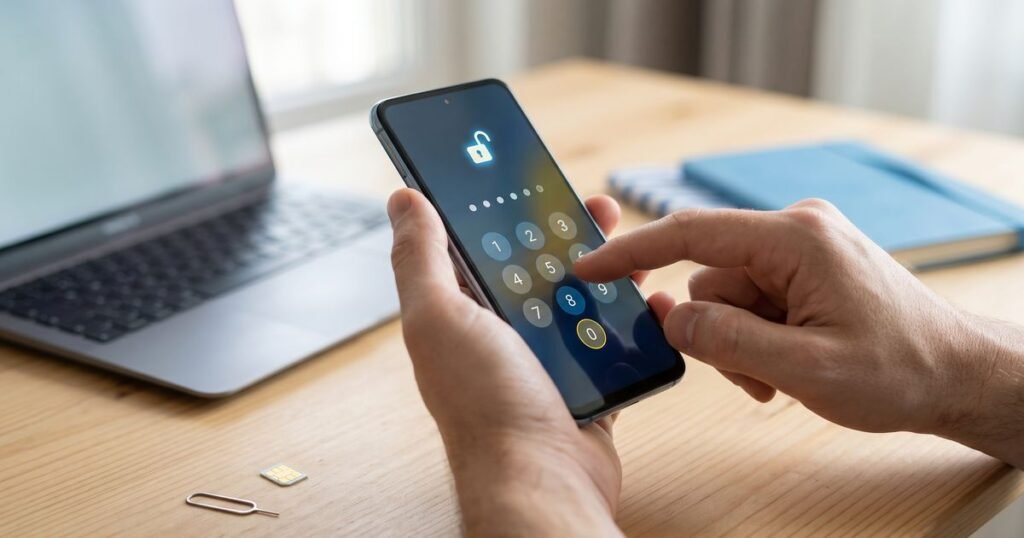
LG left the phone business in 2021, yet many LG G, V, K and Velvet handsets are still working well and are often passed on or sold second-hand. If one is locked to its original network, an unlock code opens it to any SIM. You order the code against the phone’s IMEI, receive it by email, and enter it on the phone yourself.
Can I still unlock an LG phone now that LG has stopped making them?
Yes. A network lock is set by the network, not by LG, and the unlock code works the same way regardless of whether the maker still sells phones. What has changed is software support: LG no longer releases updates for most models. That does not affect unlocking, but it is worth knowing if you plan to keep the phone for several years.
Many LG handsets were sold through UK networks, so a large number are still tied to the network that supplied them. Since December 2021, UK networks may no longer sell locked phones, but that rule does not unlock older devices automatically.
Where do I find the IMEI on an LG phone?
Dial *#06# from the LG dialler and the IMEI appears on screen. You can also find it in the settings, although LG moved the menu between software versions. On many models it sits under About phone, inside a section called Status or Hardware info. LG phones with a removable back, such as several K series models, also print it under the battery.
| LG range | Settings path to the IMEI | Printed IMEI |
|---|---|---|
| G series and V series | Settings > General or System > About phone > Status | On the box, and on models with a removable back, under the battery |
| K series and other budget LGs | Settings > About phone > Status or Hardware info | Usually on a label under the battery |
| Velvet and later models | Settings > System > About phone | On the original box |
| Older LG keypad phones | Varies; use *#06# | Under the battery |
Our full guide explains other ways to find your IMEI number, including on a phone that will not switch on.
How do I unlock my LG with a code?
Order a code for your model and network, then switch the LG off and insert a SIM from another network. When you turn it back on, an Android LG displays a SIM network unlock PIN box. Key in the emailed code there and select Unlock. The phone confirms that the network lock is removed and connects to the new provider.
- Choose your phone from our LG unlock codes, entering the IMEI and the network it is locked to.
- Pay by PayPal, or by bank transfer with your order number as the payment reference. We start on your code after the money arrives.
- When the code reaches your inbox, power down the LG and change the SIM.
- Power up, type the code at the prompt and confirm.
- Look for the new network’s name in the status bar, then make a test call.
What if my older LG never asks for the code?
Some older LG keypad phones do not show an entry box when a foreign SIM is inserted. Instead they may simply display a message that the SIM is not accepted. These models can need a different entry method, so do not try typing the code into the dialler at random. Write down the exact message and the model number, then get in touch.
Send the details to us through our contact page, quoting your order number. Guessing at hidden menus can waste attempts or change settings you did not intend to touch.
How do I protect my limited LG unlock attempts?
An LG phone accepts only a few incorrect codes before it may stop allowing network codes at all. Make every attempt count. Type the code slowly, check it on screen before you tap Unlock, and use a working, active SIM so that the phone is not reacting to a faulty card instead of the lock. If the first try fails, stop there.
- Check that you chose the right network and model when ordering.
- Make sure the original network’s SIM is not still in the phone.
- Restart the handset with the new SIM fitted if the prompt has disappeared.
Frequently asked questions
Does unlocking delete anything on my LG?
No. A network unlock code removes only the network lock, leaving your photos, apps and contacts in place.
Will the LG stay unlocked after a factory reset?
Yes. The unlock is permanent and is not undone by a reset or a software update.
What SIM should I use after unlocking?
Any network’s SIM will work. Our pay as you go SIM cards need no contract, and our refunds and cancellations page covers returns of unused SIMs.
How long does an LG code take?
Each product page shows the estimate for that model and network. We let you know by email when your code is ready.
See every LG unlock code, or look through unlock codes for other makes.
For LG device help and software updates, see LG UK support. The GSMA explains what the IMEI is, the number your unlock code is made for.