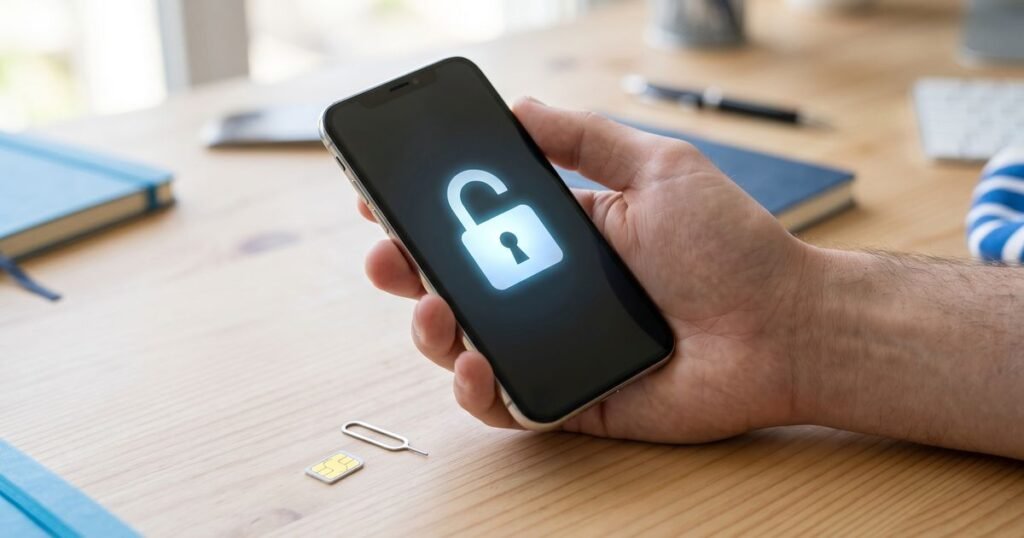
Unlocking an iPhone lets you use it with any SIM card, in the UK or abroad. iPhones are not unlocked with a typed code: the unlock is registered against the phone’s IMEI on Apple’s activation servers. Once it is done, the phone accepts any SIM.
Since December 2021, UK networks are no longer allowed to sell locked phones, but many older handsets are still locked. If your phone is still with the UK network that locked it, ask them first, as many now unlock for free. Our unlock codes help when that is not an option: a phone bought second-hand, an old account you no longer have, or a phone locked to a network outside the UK.
Check whether your iPhone is already unlocked
Go to Settings > General > About and look at Carrier Lock (called Network Provider Lock on some versions). If it says No SIM restrictions, your iPhone is already unlocked.
How to unlock an iPhone with MyPhoneCard
- Find the iPhone’s IMEI: dial *#06#, or see Settings > General > About. Our guide shows other ways to find your IMEI number.
- Choose the network your iPhone is locked to: UK networks, Ireland or USA. Enter the IMEI and model when you order.
- Pay by bank transfer. We start the unlock once payment is confirmed.
- When we email you that the unlock is complete, insert a SIM from another network and connect to Wi-Fi. The iPhone activates on the new network.
- If you see an activation message, back up the phone and restore it with iTunes or Finder on a computer. Then restore your backup.
Frequently asked questions
Do I need to enter a code?
No. iPhone unlocks are applied by IMEI, so there is nothing to type on the phone.
Is the unlock permanent?
Yes. It stays in place after iOS updates and restores.
Can you unlock an iPhone that is blacklisted or iCloud-locked?
No. A network unlock does not remove an iCloud Activation Lock or a lost-or-stolen block.
See iPhone unlock services or browse unlock codes for every brand.