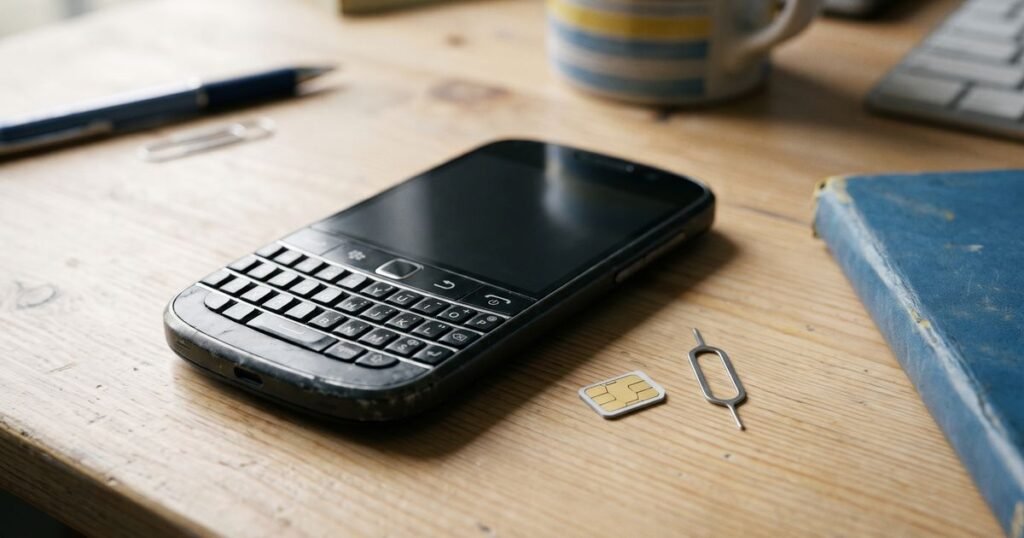
BlackBerry handsets span three very different operating systems, and each one has its own place to type a network unlock code. A Bold or Curve running BlackBerry OS uses a hidden SIM card screen, a BlackBerry 10 device has a menu option, and later Android models behave like any other Android phone. This guide explains all three, plus the counter that limits your attempts.
Which BlackBerry software does my phone run?
Check the model name first. Bold, Curve, Torch and Pearl handsets run BlackBerry OS, usually version 5, 6 or 7. The Z10, Q10, Q5, Classic and Passport run BlackBerry 10. The Priv, DTEK, KEYone and KEY2 run Android. The software decides where the code goes, so matching your phone to the right row below saves wasted attempts.
| Software | Example models | Where the unlock code is entered |
|---|---|---|
| BlackBerry OS 6 and 7 | Bold, Curve, Torch | Options > Device > Advanced System Settings > SIM Card, then type MEP2 |
| BlackBerry OS 5 and earlier | Older Curve and Pearl models | Options > Advanced Options > SIM Card, then type MEP2 |
| BlackBerry 10 | Z10, Q10, Classic, Passport | Settings > Security and Privacy > SIM Card > Phone Network Lock |
| Android | Priv, DTEK, KEYone, KEY2 | The SIM network unlock PIN box with another network’s SIM fitted |
How do I enter the code on a BlackBerry Bold or Curve?
Open the SIM Card screen shown in the table for your version of BlackBerry OS. Nothing appears to happen when you type on this screen, which is normal. Type MEPD to view the list of locks, then type MEP2 to bring up the network code box. Enter the code from our email and press Enter.
- Order from our BlackBerry unlock codes, adding any MEP or PRD details the page requests.
- Pay by PayPal, or send a bank transfer quoting the order number; our work starts when the money is confirmed.
- When the code arrives, fit a SIM from another network if you have one, although on BlackBerry OS the SIM Card screen can usually be reached without one.
- Go to the SIM Card screen and type MEPD, then MEP2, holding the Alt key for letters if your keyboard needs it.
- Type the code, press Enter, then restart the phone and check the network status.
After a successful entry, MEPD shows the network lock as disabled rather than active.
What do the numbers on the MEPD screen mean?
The MEPD screen lists several locks, such as Network, Service Provider and Corporate, each marked active or disabled. Next to an active lock, a number in brackets shows how many code attempts remain. BlackBerry allows only a small number. When the count reaches zero, the phone stops accepting network codes, so check the figure before you begin.
If the number is already low on a second-hand handset, an earlier owner has probably tried codes. Mention it when you order, and enter each digit with care. If a code is refused, stop and get in touch rather than trying again.
How do I unlock a BlackBerry 10 or Android BlackBerry?
On BlackBerry 10, open Settings, then Security and Privacy, then SIM Card, and choose Phone Network Lock. Enter the code next to the network lock and confirm. On Android BlackBerrys, power down, fit a foreign SIM and power up again; a SIM network unlock PIN box appears, where you type the code and tap Unlock.
The Android models also show the IMEI under Settings > About phone. For Bold, Curve and other BlackBerry OS phones, the IMEI and the PRD number are printed on the label under the battery. If the label is worn, our IMEI guide lists other places to check.
Why does the order ask for MEP or PRD codes?
Some BlackBerry unlocks need more than the IMEI. The MEP number identifies the lock profile set in the handset, and the PRD number on the battery label identifies the hardware variant. When your model needs either one, the product page asks for it at checkout. Supplying the right details first time avoids a code that the phone cannot accept.
If you cannot find either number, remove the battery and read the label, or contact us with a photo of it and your order number.
Will an unlocked older BlackBerry still work?
BlackBerry switched off the services behind BlackBerry OS and BlackBerry 10 in January 2022. Those handsets may now be unreliable for calls, texts and data, even once unlocked, and some UK networks have also retired the older signals they relied on. Android BlackBerry models were not affected by that change. Think about how you plan to use the phone before ordering.
For a KEYone or KEY2, pick a SIM from our pay as you go SIM cards after unlocking.
Frequently asked questions
Does unlocking delete my BlackBerry data?
No. Entering a network code leaves messages, contacts and apps in place, and the unlock survives resets and updates.
Why does nothing show when I type MEPD?
The SIM Card screen does not display what you type. Type the letters steadily and the lock list opens once the fourth letter is entered.
Can I cancel after receiving my code?
No. A code is a digital product, so cancellation ends on delivery. See our refunds and cancellations page.
View all BlackBerry unlock codes, or return to our unlock codes for every make.
For software updates and device help, see BlackBerry support. You will need your IMEI: the GSMA explains what the IMEI is and who issues it.