
Description
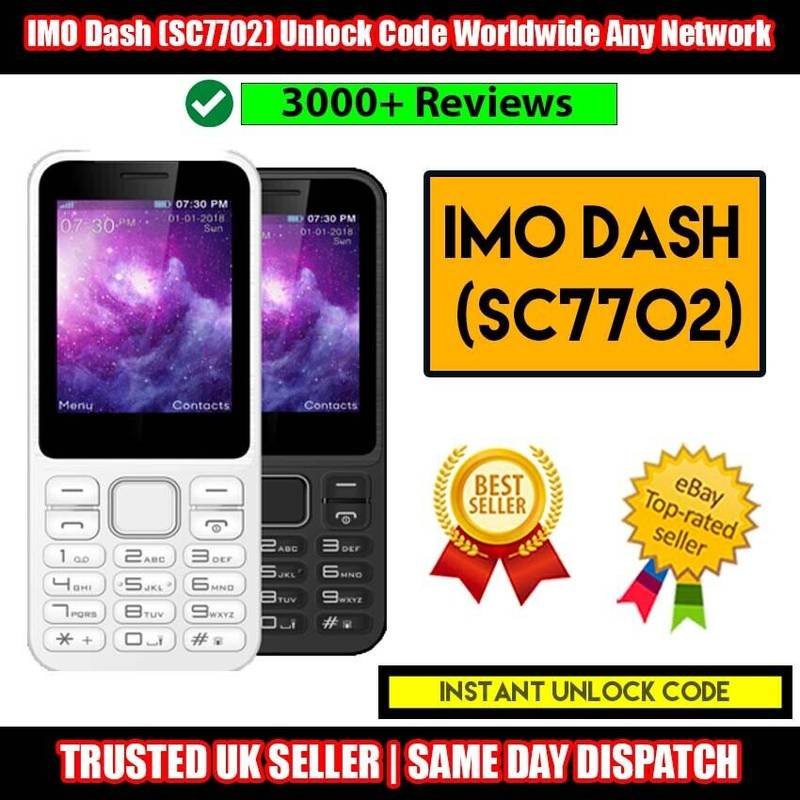
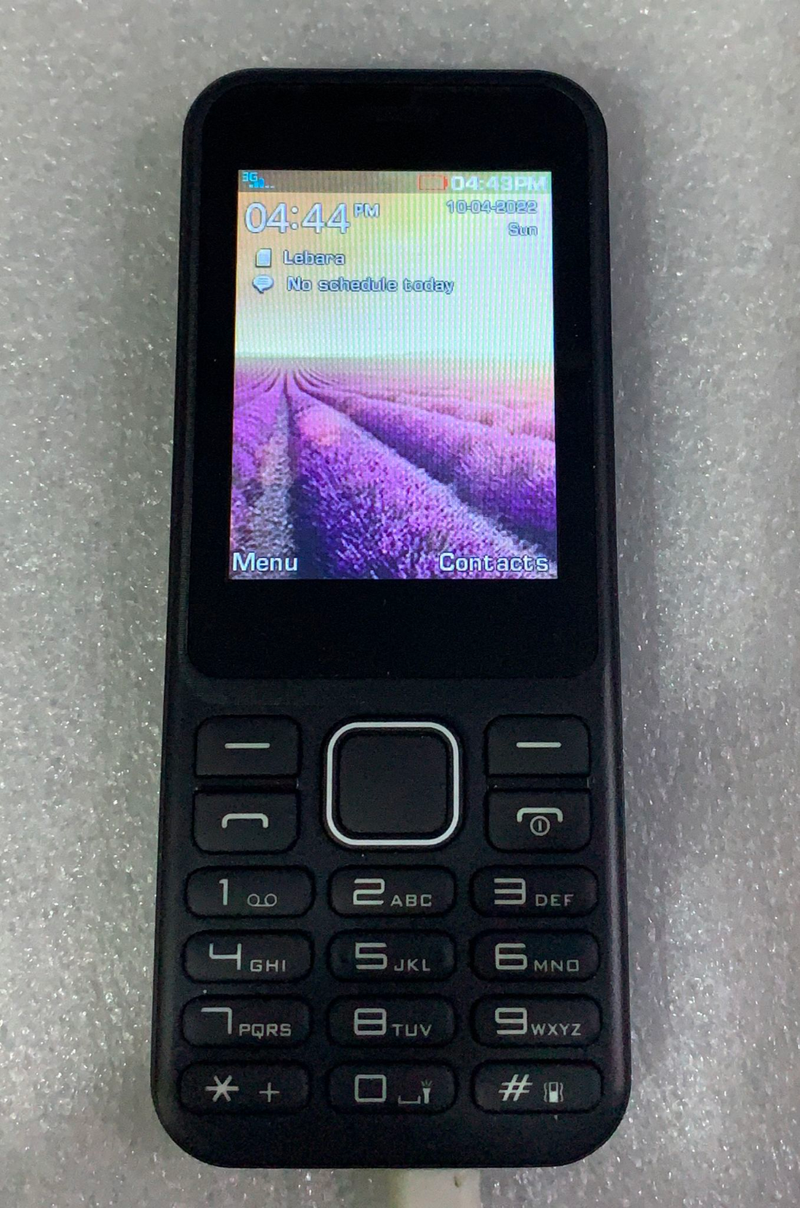
IMO Dash (SC7702) Unlock Code Tesco, Worldwide Any Network
How to know if your IMO Dash SC7702 phone is network locked?
Does your IMO Dash SC7702 work only with your current service provider or Current Locked network Sim? Do you see any of the following messages once you insert a SIM card from another network?
●SIM locked
●NP Code / NP Password
●Network control key
●Insert right SIM
●Network unlock code
●Network is locked
●Service provider unlock code
●Enter Password
●Network subsidy code
●Enter NCK Code
●SIM network unlock pin
●Enter SIM Unlock Code (Simlock)
If so, your IMO Dash SC7702 is LOCKED and we can assist you to unlock your IMO Dash SC7702 in a few easy steps. After that you are allowed to use your phone on any GSM Network anywhere in the world.
You won’t have to send your IMO Dash SC7702. No Hardware or Software is required even no technical knowledge is required at all. Just provide us your IMO Dash SC7702’s IMEI number & Current Locked network Name and we’ll do the rest.
How to enter code in the IMO Dash SC7702?
1. Turn on the phone with different network sim card.
2. Phone will ask for one of the following codes:
●Network Unlock Code
●Enter Unlock Password
●Network is locked
●Enter NP Code / Simlocked Code
●Wrong SIM / Invalid SIM
●Service Provider unlock code
●SIM network unlock pin
●SIM Service provider unlock pin
3. Enter the Unlock code
4. The Phone is now unlocked
Thanks for Ordering with US

Reviews
There are no reviews yet.