Description
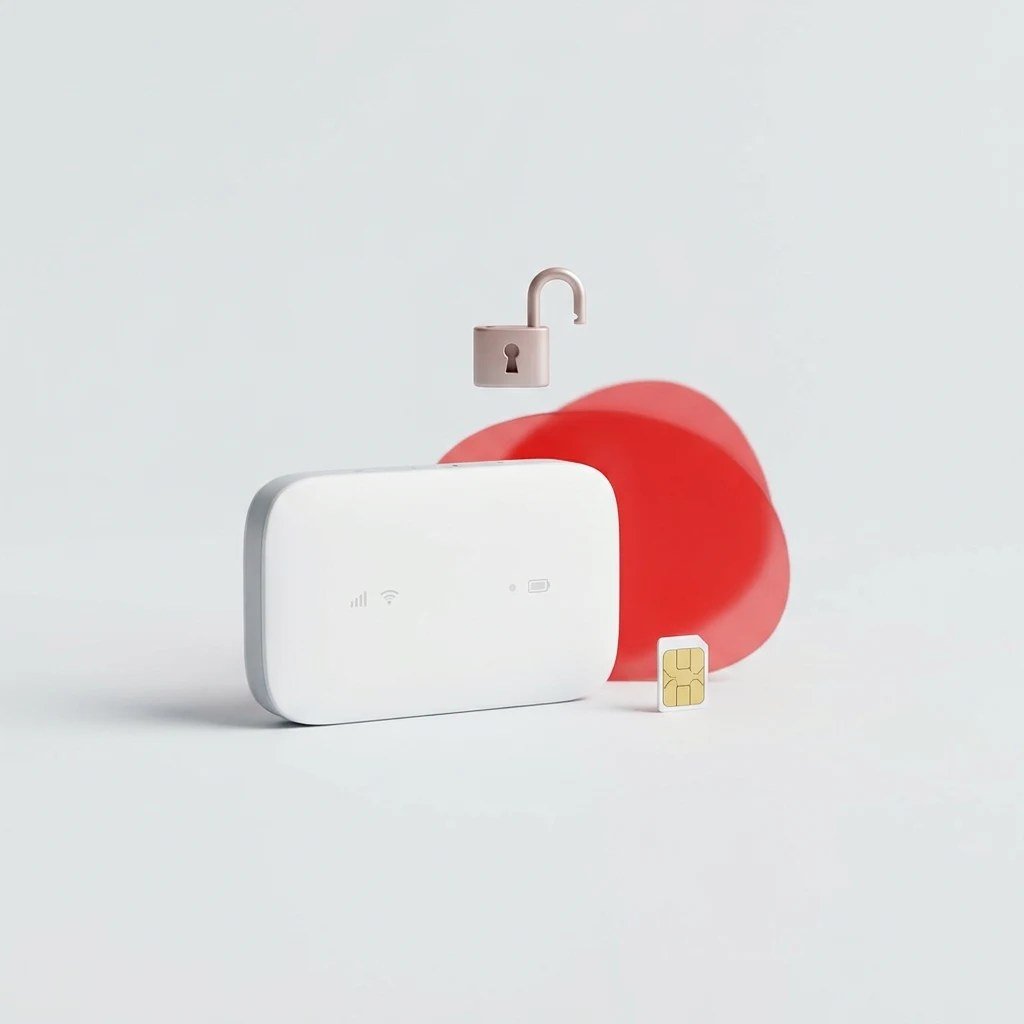
Airtel sells its MW40VD pocket Wi-Fi locked to Airtel SIM cards. With an unlock code the router accepts a data SIM from any network. The code is made for your device’s own IMEI number, so it works on that device only.
How to order
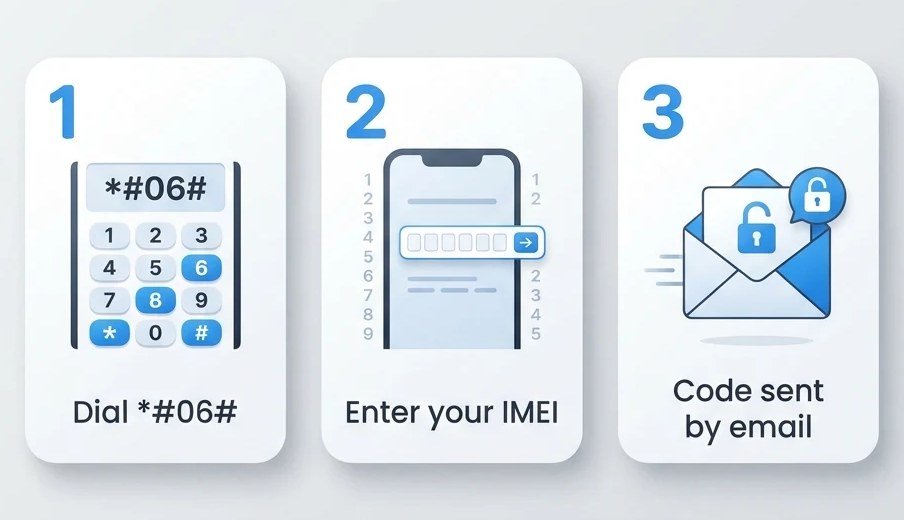
- Choose your model from the list. If your model is not in the list, we cannot supply a code for it.
- Find the IMEI: dial *#06# on a phone, or check the label on the device, under the battery cover or on the box. It is a 15-digit number.
- Enter the IMEI and pay. We email your code to the email address you give at checkout.
How to enter the code
- Put a SIM card from a different network into the dongle or router.
- Connect it to your computer, or join its Wi-Fi, and open its dashboard: the app that came with it, or its web page in your browser.
- The dashboard asks for an unlock code (it may say “NCK” or “SIM lock”). Type the code we sent and confirm.
Type the code carefully. Most devices allow only a few tries, and after that the device can stay locked for good.
Good to know
- This code removes the network lock only. It does not remove a Google account lock (FRP), a screen lock or a password, and it cannot unblock a device reported lost or stolen.
- If we cannot supply a code for your device, we refund you in full. Once a code has been sent it cannot be refunded. See our refunds policy.
Airtel Mobile Wi-Fi models covered
Airtel MW40VD.