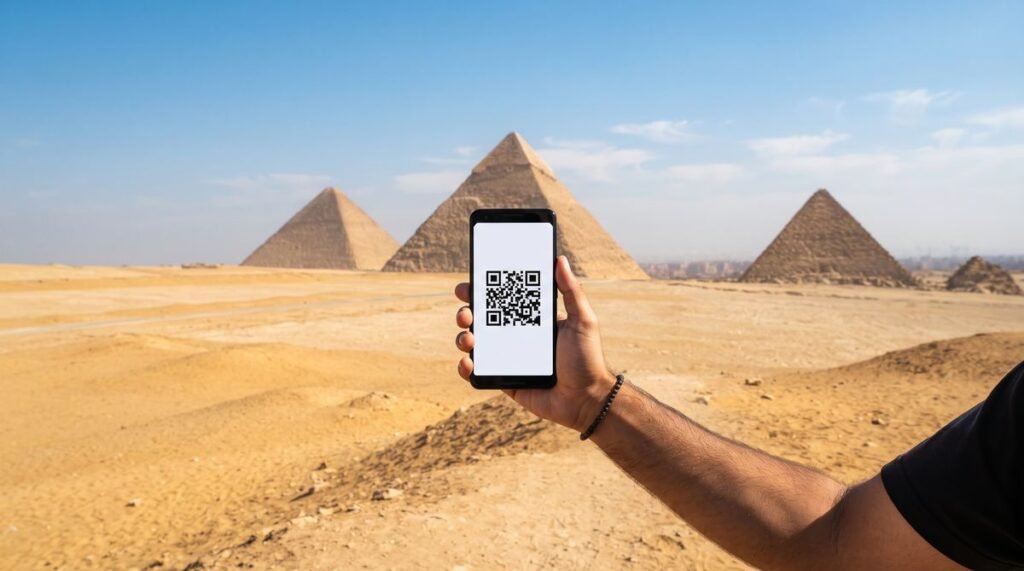
Egypt is a favourite winter-sun destination for UK travellers, with Red Sea resorts such as Sharm El Sheikh, Hurghada and Marsa Alam, Nile cruises between Luxor and Aswan, and city stays in Cairo. Egypt is outside the EU, so roaming with a UK plan can be costly. A travel eSIM gives you mobile data there while your UK SIM stays in your phone. This guide explains what to look for, how much data you are likely to use and how to set it up.
Do I need an eSIM for Egypt?
There are three common ways to get online in Egypt:
- Roaming with your UK network: check your network’s roaming page first, as Egypt is often charged at a higher rate than Europe.
- A local Egyptian SIM: sold at airports and phone shops. You will usually need your passport, and you may need to register the SIM in person.
- A travel eSIM: bought before you travel and installed at home, so it is ready when you land.
For a resort holiday or a cruise, a travel eSIM is usually the simplest choice. Our Egypt eSIM has plans from a single day up to six months.
How much data do I need in Egypt?
| Type of trip | Rough amount |
|---|---|
| A week at a Red Sea resort with hotel Wi-Fi | 1GB to 3GB |
| A Nile cruise with temple visits and photo sharing | 3GB to 10GB |
| Cairo with ride apps, maps and video calls | 10GB or more |
Hotel and cruise-boat Wi-Fi can be slow or patchy, so many travellers rely on mobile data more than they expect. If you are not sure, choose the next size up.
Which plan length should I choose?
Pick a plan that covers every day of your stay. The days start when the eSIM becomes active, so install it at home and switch it on when you arrive. One-week and two-week holidays suit our 7-day and 15-day plans, and longer visits suit the 30-day, 90-day and 180-day plans. Every option is listed on the Egypt eSIM plans table.
Will my phone work with an eSIM?
Your phone must be unlocked and support eSIM. Most recent iPhones, Samsung Galaxy and Google Pixel phones do. Apple shows the steps in its iPhone eSIM guide, and our UK eSIM guide explains how to check whether your phone is unlocked.
How do I set up an Egypt eSIM?
- Order your plan and pay by UK bank transfer or PayPal.
- Once your payment is confirmed, we send the QR code by email or live chat.
- Scan the QR code at home on Wi-Fi and keep the eSIM on your phone.
- When you land in Egypt, switch the eSIM line on, choose it for mobile data and turn on data roaming for that line.
- Turn off data roaming on your UK SIM.
Where does the signal work in Egypt?
Signal is usually good in Cairo, Giza, Alexandria, Luxor, Aswan and the main Red Sea resorts. It can come and go in the desert, on long boat trips out to the reefs and along parts of the Nile, so save maps, tickets and tour details offline. Before you go, read the GOV.UK travel advice for Egypt, which lists the areas the FCDO advises against travelling to.
Visiting more than one country?
An Egypt eSIM works in Egypt only. If your trip continues to Jordan, for example to Petra or Aqaba, add a Jordan eSIM. You can browse every destination on our travel eSIM page.
Frequently asked questions
Will I keep my UK number?
Yes. The eSIM sits beside your UK SIM, so you can still receive texts such as bank codes. Your UK network may charge for calls you answer abroad.
Can I make phone calls with it?
Our Egypt plans are mobile data only. Use WhatsApp, FaceTime or similar apps for calls and messages.
Can I top up a phone in Egypt from the UK?
Yes. To add credit to a friend’s or relative’s Egyptian number, use our Egypt mobile top-up. Our guide to topping up a phone abroad explains how it works.
When should I order?
At least a day before you fly, so you have time to receive and install the QR code at home.