
Description
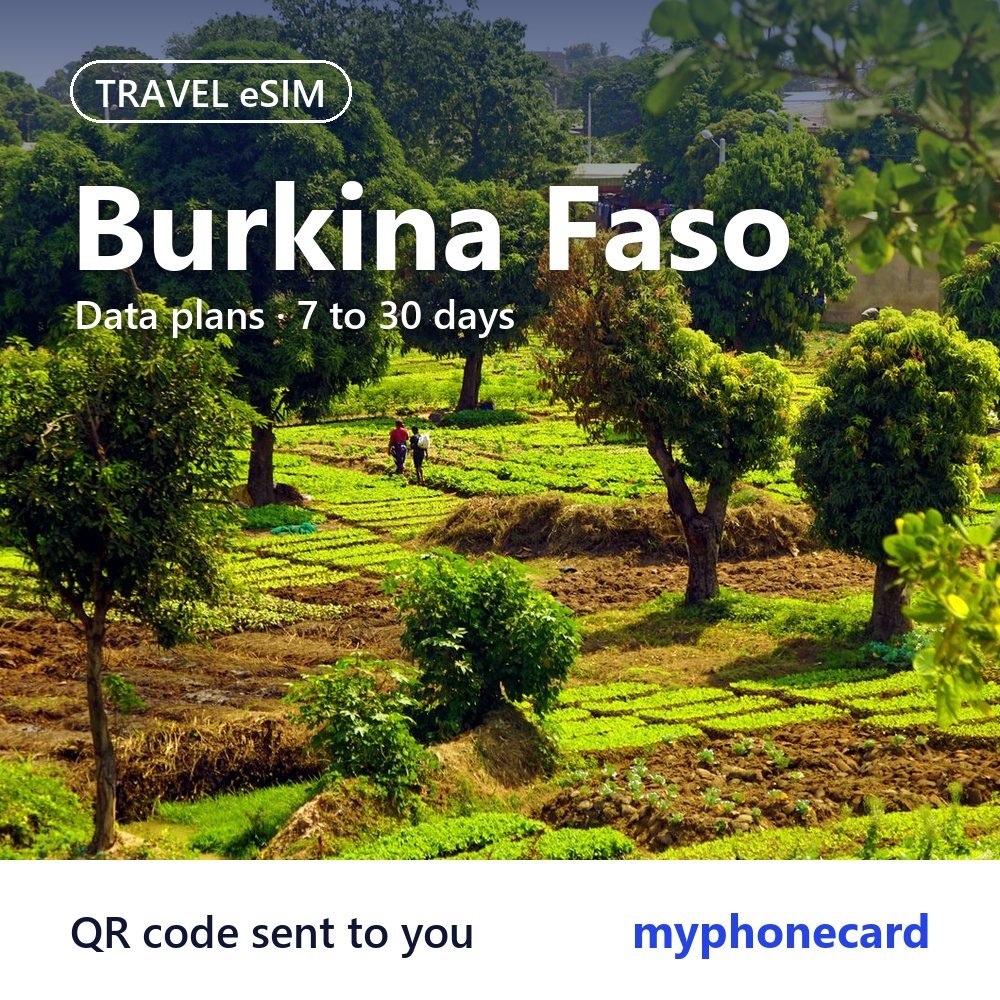
Most UK travellers to Burkina Faso are visiting family, working with charities and development projects, or travelling on business to Ouagadougou and Bobo-Dioulasso. The country is also known for its music, crafts and the FESPACO film festival in the capital.
A travel eSIM gives you mobile data for WhatsApp, maps and email during your stay, without needing to buy a local SIM on arrival. It is installed next to your UK SIM, so your usual number stays in the phone for bank codes and texts, while the eSIM looks after your data.

Choose your Burkina Faso data plan
There are 4 plans for Burkina Faso. Pick the one that matches the length of your stay and how much you stream, video call or share photos.
| Plan | Price |
|---|---|
| 1GB – 7 days | £6.05 |
| 2GB – 15 days | £11.12 |
| 3GB – 30 days | £14.14 |
| 5GB – 30 days | £20.48 |
- Short business or project visit: 1GB for 7 days covers email and messaging.
- Two-week family visit: 2GB for 15 days or 3GB for 30 days suits regular messaging and photo sharing.
- Month-long stay: 5GB for 30 days gives more room for video calls with home.
How ordering works
- Choose a plan and place your order. Pay by UK bank transfer or PayPal.
- Once your payment is confirmed, we prepare your eSIM and send you the QR code by email or live chat. Orders are handled by hand, so we suggest ordering at least a day before you fly.
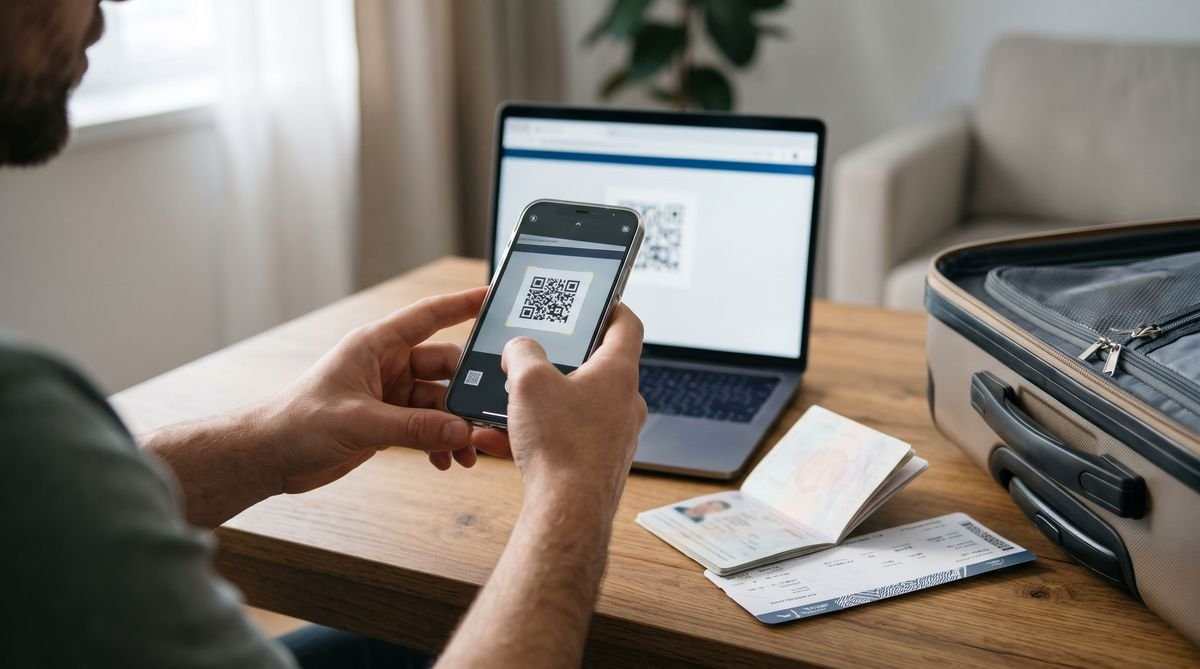
- Scan the QR code at home over Wi-Fi, then switch the eSIM on when you arrive in Burkina Faso.

Installing your eSIM
- iPhone: Settings, Mobile Service (or Mobile Data), Add eSIM, then Use QR Code.
- Samsung Galaxy: Settings, Connections, SIM manager, Add eSIM, then Scan QR code.
- Google Pixel: Settings, Network and internet, SIMs, Add SIM, then Download a SIM instead.
Install it before you travel, while you have a steady Wi-Fi connection. A QR code can usually be installed only once, so do not delete the eSIM from your phone until your trip is over. When you land, turn on the eSIM line, set it as the line for mobile data and switch on data roaming for that eSIM.
Using mobile data in Burkina Faso
International flights arrive in Ouagadougou. In the capital and in Bobo-Dioulasso, data is useful for keeping in touch with family and colleagues, sharing your location with drivers, following maps and translating French.
Outside the main towns, signal can be patchy or unavailable, so save important contacts and maps on your phone before you travel. If you are working with an organisation, agree in advance how you will keep in touch when you are out of range. The plan covers Burkina Faso only and will not work in Ghana, Côte d’Ivoire or other neighbouring countries.
Check your phone first
Your phone must be unlocked and support eSIM. Most iPhones from the XS and XR onwards, Samsung Galaxy S20 and later, and Google Pixel 3 and later can use one. Some models sold in certain countries have no eSIM, so look for an Add eSIM option in your settings. If you are not sure, ask us before you order.
Good to know
- Data only: these plans give you mobile data, not a local phone number. Use WhatsApp, FaceTime or other apps for calls and messages.
- For travel only: the plans work in Burkina Faso and are not meant for use in the UK.
- Your UK SIM: keep it in the phone to receive texts such as bank codes, but turn off data roaming on it so it does not use data abroad.
- Travel advice: the FCDO advises against travel to large parts of Burkina Faso. Read the latest FCDO travel advice before planning any trip.
Questions
Will it work outside Ouagadougou?
It works wherever there is signal, but coverage in rural areas can be limited. Download maps and save contacts before long journeys.
Does it cover Ghana or Côte d'Ivoire if I travel on?
No. The plan is for Burkina Faso only, so you would need a separate plan for each country.
When should I buy my Burkina Faso eSIM?
A day or more before you travel is best. That leaves time to receive the QR code and install it at home.
When do the days start counting?
The number of days is how long the plan lasts once it is active. Install it before you go and switch it on when you arrive.
Can I cancel after the QR code is sent?
No. Like our other codes, an eSIM cannot be returned once the QR code has been sent. See our refunds and cancellations page.