Description
Interest in South Korea has grown hugely in the UK, helped by K-pop, Korean dramas and food. Most trips centre on Seoul, with its palaces, markets and nightlife, and many travellers add Busan’s beaches and temples or a few days on Jeju Island. Business travel and visits to family also bring plenty of people from Britain.
A travel eSIM keeps you connected across the country without picking up a local SIM. It is added next to your UK SIM, so your UK number stays in the phone for bank codes, while the eSIM takes care of maps, translation, train bookings and sharing photos.

Choose your South Korea data plan
There are 16 plans for South Korea. Pick the one that matches the length of your stay and how much you stream, video call or share photos.
| Plan | Price |
|---|---|
| 1GB – 7 days | £3.00 |
| 1GB – 1 day | £4.68 |
| 2GB – 15 days | £5.25 |
| 3GB – 30 days | £6.75 |
| 5GB – 30 days | £8.25 |
| Unlimited – 3 days | £9.00 |
| 3GB – 15 days | £11.61 |
| 10GB – 30 days | £14.25 |
| Unlimited – 5 days | £15.00 |
| Unlimited – 7 days | £21.75 |
| 20GB – 30 days | £22.50 |
| Unlimited – 10 days | £26.25 |
| Unlimited – 15 days | £36.75 |
| Unlimited – 30 days | £51.75 |
| 50GB – 90 days | £149.40 |
| 100GB – 180 days | £291.32 |
- Long weekend in Seoul: 1GB for 7 days or 3GB for 15 days covers maps, subway routes and messages.
- Two weeks with Busan and Jeju: 10GB for 30 days leaves room for train bookings, photos and video calls.
- Concert trip or heavy use: Unlimited plans, from 3 to 30 days, suit people who post and stream a lot.
- Study or working holiday: 50GB for 90 days or 100GB for 180 days suits a term or longer in Korea.
How ordering works
- Choose a plan and place your order. Pay by UK bank transfer or PayPal.
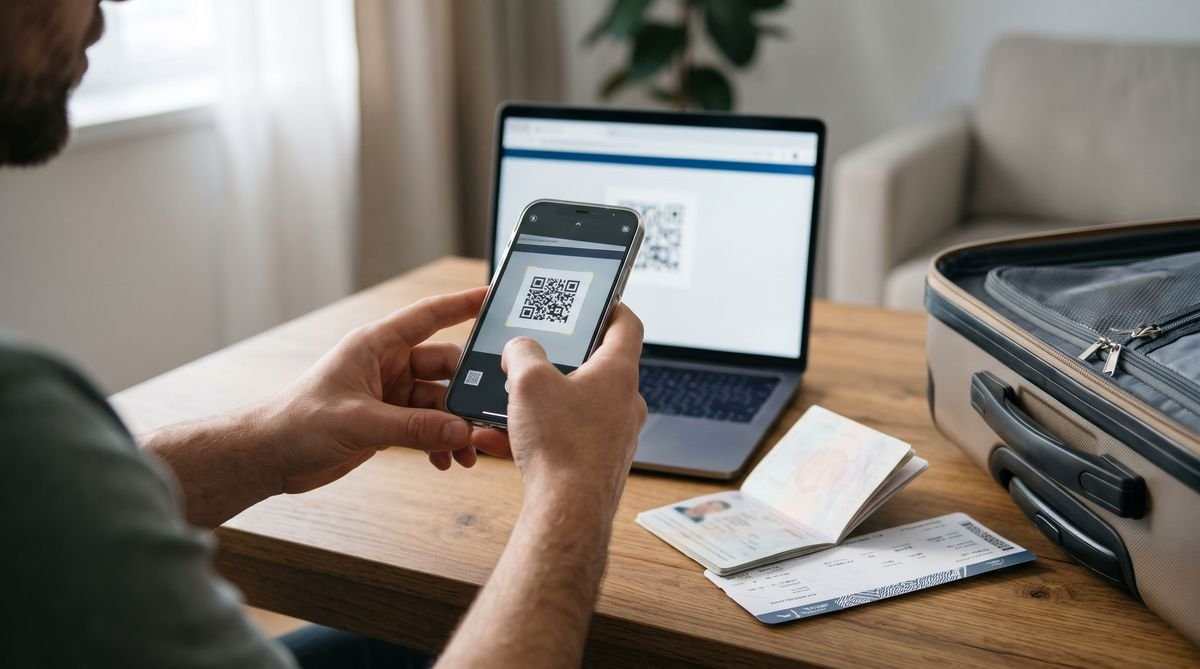
- Once your payment is confirmed, we prepare your eSIM and send you the QR code by email or live chat. Orders are handled by hand, so we suggest ordering at least a day before you fly.
- Scan the QR code at home over Wi-Fi, then switch the eSIM on when you arrive in South Korea.

Installing your eSIM
- iPhone: Settings, Mobile Service (or Mobile Data), Add eSIM, then Use QR Code.
- Samsung Galaxy: Settings, Connections, SIM manager, Add eSIM, then Scan QR code.
- Google Pixel: Settings, Network and internet, SIMs, Add SIM, then Download a SIM instead.
Install it before you travel, while you have a steady Wi-Fi connection. A QR code can usually be installed only once, so do not delete the eSIM from your phone until your trip is over. When you land, turn on the eSIM line, set it as the line for mobile data and switch on data roaming for that eSIM.
Using mobile data in South Korea
Flights from London land at Incheon International Airport, about an hour from central Seoul, and Gimpo handles many domestic flights, including to Jeju. Turn the eSIM on after landing to check the airport railway or bus to your hotel.
Google Maps gives limited walking and driving directions in South Korea, so many visitors use local map apps instead. Data also helps with booking KTX trains, translating menus and finding your way on the Seoul subway. Signal can drop on mountain hikes and on some remote parts of the coast.
Check your phone first
Your phone must be unlocked and support eSIM. Most iPhones from the XS and XR onwards, Samsung Galaxy S20 and later, and Google Pixel 3 and later can use one. Some models sold in certain countries have no eSIM, so look for an Add eSIM option in your settings. If you are not sure, ask us before you order.
Good to know
- Data only: these plans give you mobile data, not a local phone number. Use WhatsApp, FaceTime or other apps for calls and messages.
- For travel only: the plans work in South Korea and are not meant for use in the UK.
- Your UK SIM: keep it in the phone to receive texts such as bank codes, but turn off data roaming on it so it does not use data abroad.
- Unlimited plans: a fair-use policy can apply, as with most unlimited travel plans.
- South Korea only: if you are continuing to Japan or another country, ask us about a plan for that part of the trip.
Questions
Does the plan work on Jeju Island?
Yes, Jeju is part of South Korea. Signal can be weaker on hiking trails and in quieter areas.
Which map app should I use in Korea?
Many visitors use local map apps for public transport and walking directions. Download one and set it to English before you travel.
When should I buy my South Korea eSIM?
A day or more before you travel is best. That leaves time to receive the QR code and install it at home.
When do the days start counting?
The number of days is how long the plan lasts once it is active. Install it before you go and switch it on when you arrive.
Can I cancel after the QR code is sent?
No. Like our other codes, an eSIM cannot be returned once the QR code has been sent. See our refunds and cancellations page.

Reviews
There are no reviews yet.